
Show your Google reviews on your website
A widget that matches your site and adds new Google reviews by itself. Works on WordPress, Wix, Squarespace, Shopify or any site you can add code to. Set up in about three minutes.WordPress, Wix, Squarespace, Shopify or any site.
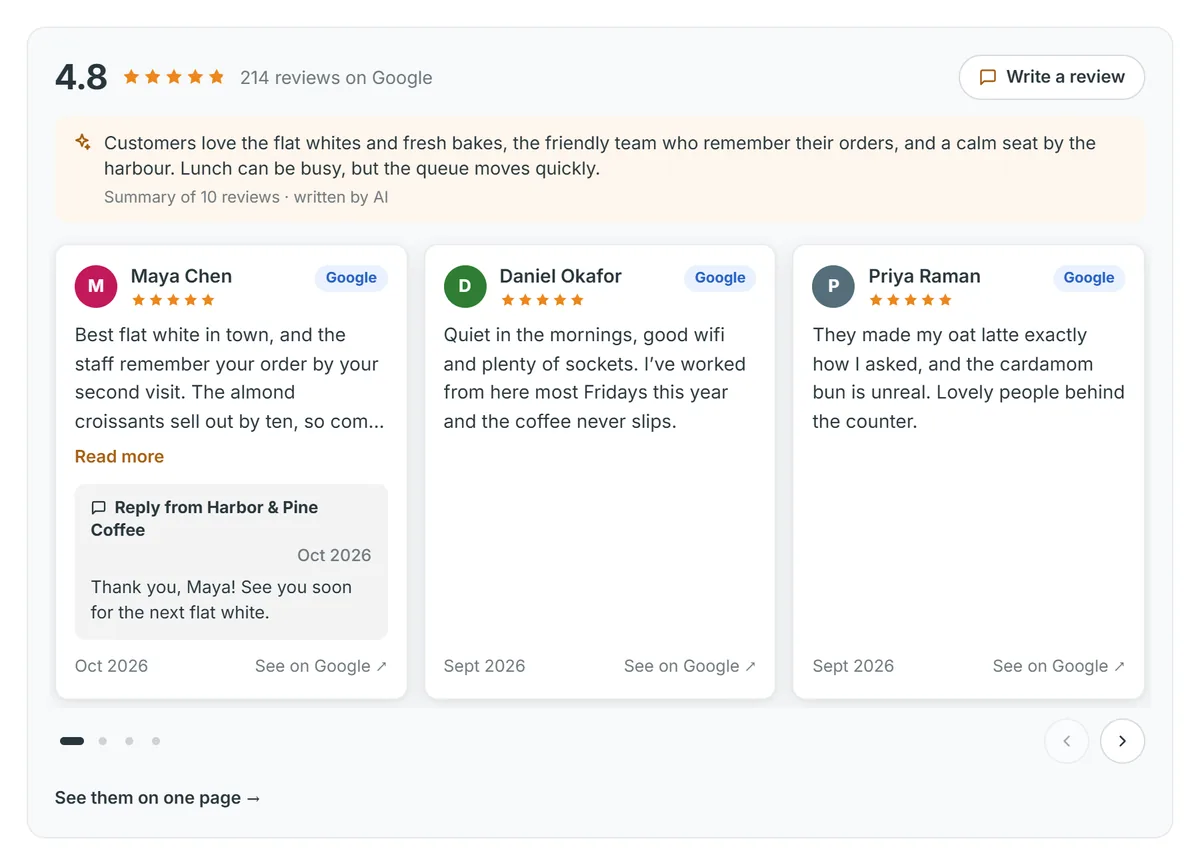
- On WordPress.org
- On the Wix App Market
- On the Framer Marketplace
- Free setup help
- Your reviews show, or your money back
How it works
How to add Google reviews to your website, in 3 steps
Sign in with Google
Use the Google account that manages your Business Profile. Your reviews and rating come in straight away.
Pick a layout and your colours
A reviews section, a rating badge or a floating badge. Start from one of 13 styles and make it yours.
Add it to your site
Use our WordPress plugin or Wix app, or paste your code once. New reviews then appear by themselves.
<script async src="https://app.truewidgets.com/embed"></script><review-widget data-widget-id="your-widget-id"></review-widget>Each opens that builder’s guide, with its plan limits said up front.
Make it yours
Looks like part of your site
Six layouts and 13 styles to start from, then your own colours, fonts and corners. Change it any time: your site shows the change within minutes, with nothing to paste again.
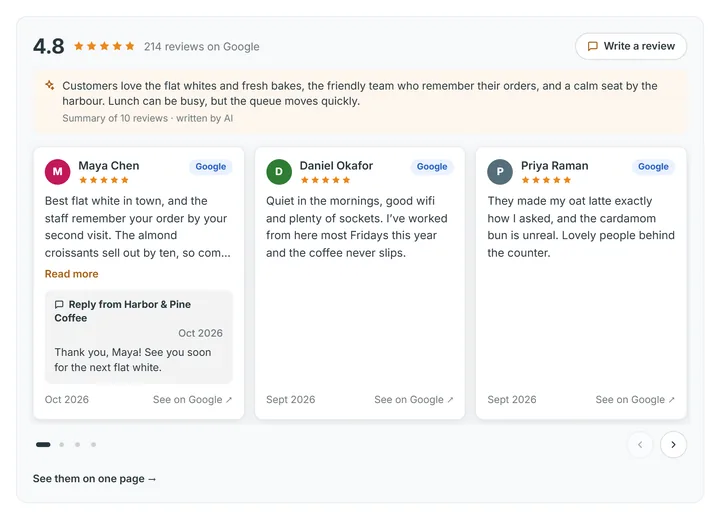
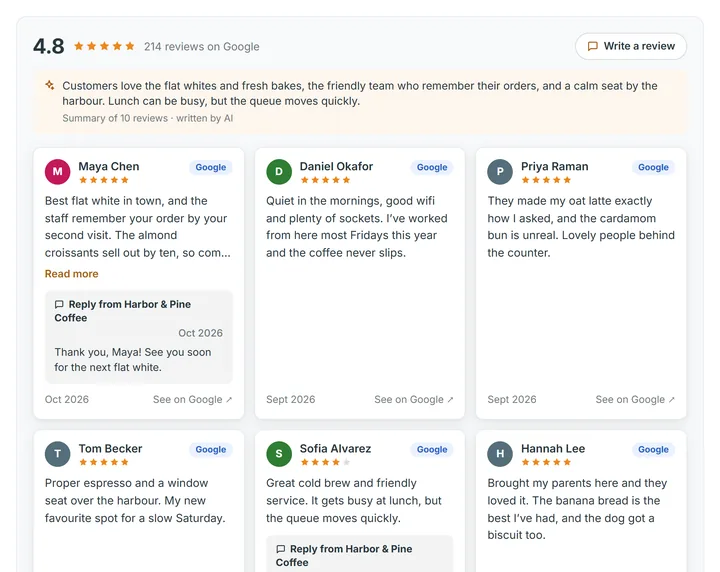
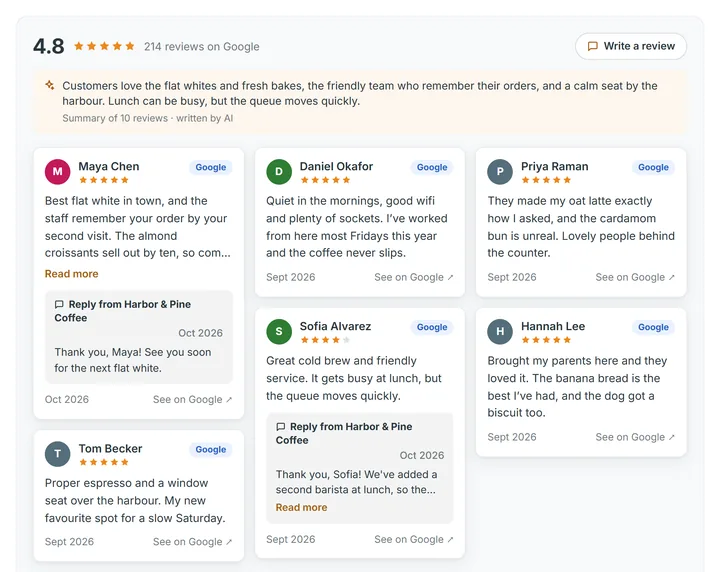
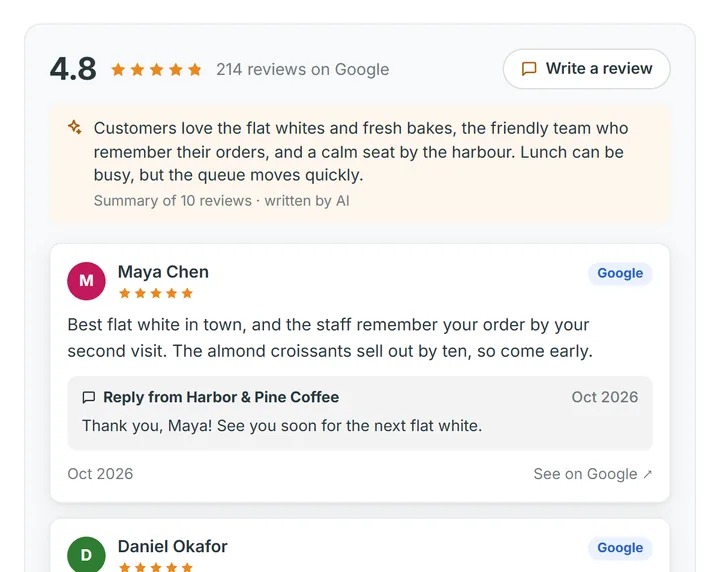

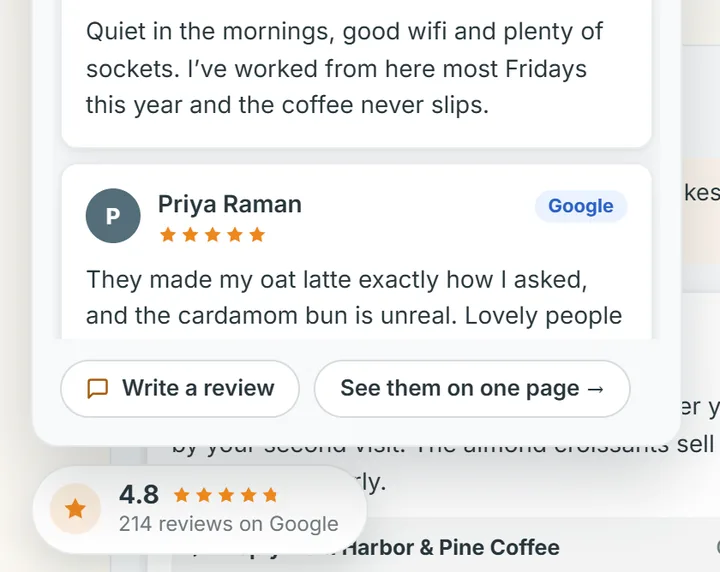
13 styles to start from
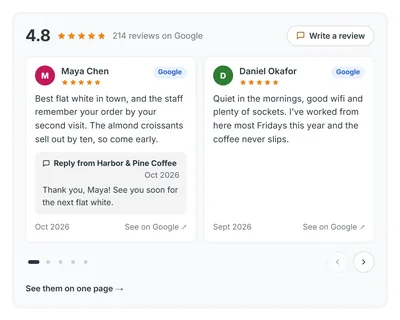
Classic 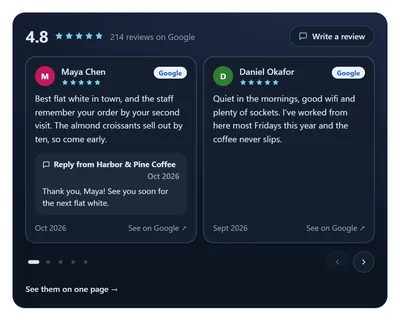
Midnight 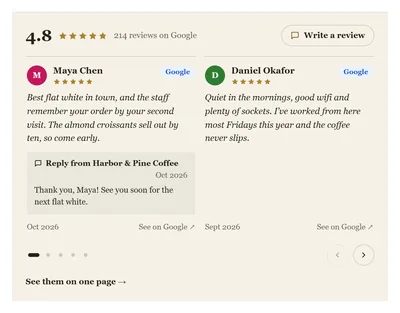
Editorial 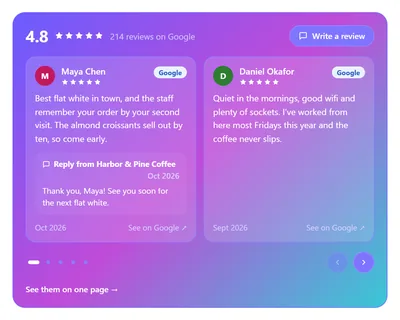
Aurora Glass 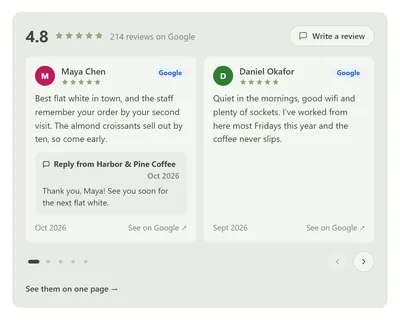
Nordic Sage 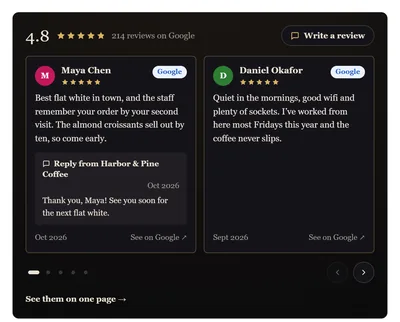
Noir Luxe
And Boho, Soft UI, Pastel, Neubrutalist, Minimal, Sunset and Retro ’70s. Every picture here is the real widget with a made-up café, labelled Example.
Three ways to get your Google reviews on your website
Google gives you a review link and QR code for collecting reviews, but no widget for your own website.
Pricing
Free to start. All your reviews from $9 a month.
- 1 location · 1 widget
- Your 5 newest Google reviews, checked daily
- Review link, QR code and private notes
- Your reviews page, hosted by us
- Posts made from your reviews
- “Powered by Truewidgets” under your widget
- 3 locations · 15 widgets
- All your Google reviews, up to 5,000 for each location
- Reply to reviews from here, with ready replies and 100 AI drafts a month
- No Truewidgets line under your widget
- Keywords, Reputation and Widget views
- Your logo and colours on the pages we host
Stuck? We’ll put your reviews on your site with you.
If we can’t get them showing, even with our help, we refund your payment. How it works
Want your Google Business Profile kept up to date too? Autopilot reads your website and drafts your Google services and posts for you to approve, from $29 a month. Google Business Profile is free from Google; our plans pay for Truewidgets’ own tools. Google’s tips for working with a third party
Questions
What’s the catch with Free?
There isn’t one. Free shows your 5 newest Google reviews in one widget for one location, with a small “Powered by Truewidgets” line, and it never runs out. Pro adds all your reviews and takes the line away.
Why does Google ask me to let Truewidgets manage my listing?
Google’s permission screen lists everything that kind of access allows. We use it to read your reviews and listing, and to post a reply or an update only when you press the button. Nothing goes on Google until you say so, and you can remove our access at any time in your Google account.
I’m a web designer, or I don’t manage the listing. Can I set it up?
Yes. Whoever manages the Google listing connects it, then you add the widget to the site. The Agency plan runs up to 100 locations from one account.
Will it work on my website builder, and on my plan?
WordPress, Wix and Framer have their own apps. Squarespace, Webflow, Shopify, GoDaddy, Google Sites and most others take your code. A few plans don’t run code, such as Squarespace Basic and free WordPress.com sites; each guide says which.
Will it slow my site down?
No. The widget is a small script that loads after your page, and your reviews come from our servers, so nothing waits for Google.
How do new reviews appear?
By themselves. We check your Google listing every day, and your widget shows what’s new.
Can I hide bad reviews?
Your average always counts every review. Outside the UK you can show only 4★ and up, and the widget then says so. For UK businesses the law doesn’t allow it, so every rating shows.
What if I can’t get it working?
We’ll set it up with you for free, on any plan. If we still can’t get your reviews showing, we refund your payment.
Is Truewidgets part of Google?
No. Truewidgets is made by Loom Factor Limited, a UK company, and isn’t affiliated with Google. Google Business Profile is free from Google.

A person answers every message, usually within one working day. Ask in the chat, or write to hello@truewidgets.com.Ahsan, founder of Truewidgets
See your own reviews in it
Search your business. It takes a few seconds, and nothing is saved.